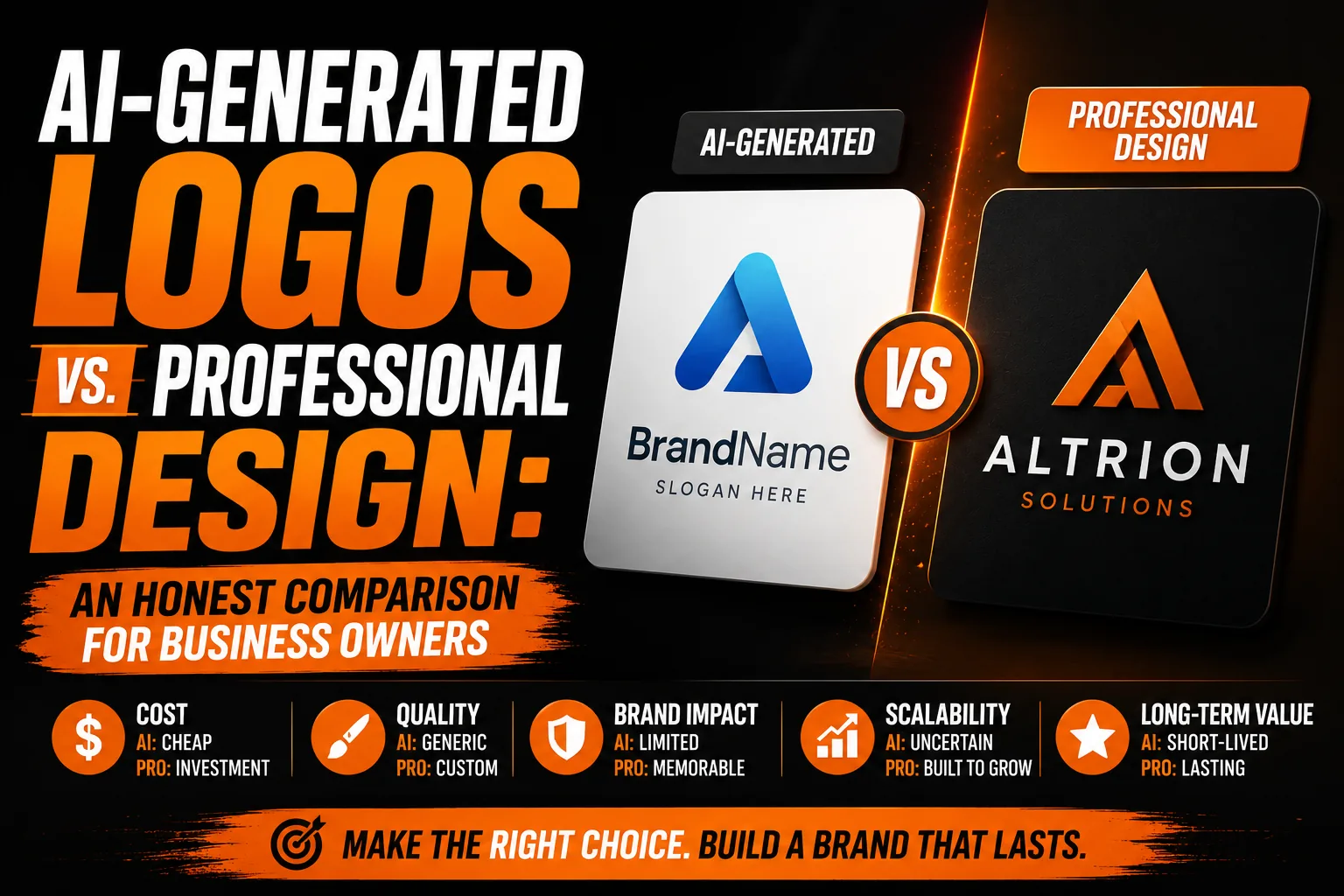
AI-Generated Logos vs. Professional Design: An Honest Comparison for Business Owners
AI tools can help explore logo concepts, while professional design adds a process for selecting, refining and applying an identity. Compare the outcome you need, rather than the speed of the first image. Your business should receive accurate lettering, appropriate files, usable variants and a clear way to review the result before production.
Key takeaways
- Use AI logo generators to explore visual directions quickly, then review wording, proportions and small-size readability.
- Check what each delivered file really contains, since an SVG or PNG extension alone does not prove it is production-ready.
- Base your choice on what the identity needs at this stage, such as accurate lettering, consistent variants and proper files.
Choosing between an automated logo tool and a professional designer requires more than comparing the first concepts they produce. A business also needs dependable lettering, useful file formats, appropriate variants and a mark that remains recognizable across real applications. The sections below compare the process, control and final deliverables available through each route so you can judge which level of support fits the identity your organization must build and maintain. This distinction also gives the business a clear starting point for applying the following guidance to its actual file, channel and intended result.
What AI Logo Generators Are Actually Good At
AI logo generators can help explore visual directions quickly, producing several concepts for a business owner to compare. That is useful when you are still deciding between a wordmark, symbol or combined layout. Different tools provide different editing and export options, so distinguish the speed of the first preview from the work needed to finish an identity. A plausible image is a starting point: wording, proportions, small-size readability and the actual delivered files still need to be reviewed before the business uses it across its materials.
For certain use cases, these advantages are decisive. A developer validating a side project before investing further does not need a professionally designed logo for the initial validation phase. A small business that cannot afford professional design and needs something visually consistent enough to launch is better served by an AI logo than by no logo or a poorly constructed DIY attempt. A marketing team creating internal concept mockups for client review needs a fast, flexible visual tool rather than a finished brand identity. In these specific situations, AI logo generators deliver genuine value.
What AI Logo Generators Still Need Help With
The limitations of a generated concept may be less obvious than its immediate visual appeal. A tool can use positioning, audience and business information that you supply, but someone still needs to define that brief and judge whether the result answers it. A professional designer can discuss competing priorities, compare directions and explain tradeoffs across actual applications. The practical difference is the review process: who checks that the mark suits your customers, stands apart in its intended context and remains usable as the business develops?
The next issue is visual distinctiveness. Some platforms build from shared icons and type combinations; others generate new imagery or combine several approaches. Do not assume that every tool works the same way, or that a generated image is automatically different from everything your customers have seen. Compare the candidate with nearby competitors and familiar category symbols. A designer can use that comparison to adjust composition, lettering and emphasis rather than simply accepting the first attractive preview.
Long-term consistency also requires more than a single image. A business may need a horizontal header, a compact social profile mark, a one-color version and artwork for physical production. If these applications are not considered early, each supplier may improvise a different adaptation. Ask how variations will relate to one another, which master file should be used and how corrections will be documented. This gives your team a practical foundation for using the identity as your website, packaging and promotional materials develop.
The File Quality Problem
Even when a concept suits the business, its files need inspection. A PNG has fixed pixel dimensions and may work for print when those dimensions suit the intended size. Cutting requires suitable paths, while embroidery requires digitizing into stitches. An SVG can contain editable vector shapes, embedded pixels or both. Some exports are straightforward to edit; others need cleanup or reconstruction. The file extension therefore does not establish production suitability. Ask which formats are included and compare their actual contents with the needs of your printer, sign maker or embroiderer.
Before sending artwork to a supplier, open the file in a vector editor and inspect its objects. Select the curves to confirm that they are paths, look for linked or embedded images, and verify the lettering. Zooming can reveal visible defects, but it is not a complete format test. Check the design at its actual application size too: technically sharp paths can still form unreadably small letters or details that cannot be reproduced on the chosen material.
The Right Decision Framework
The useful question is: what does the business need from its visual identity at this stage, and what work is required to get there? A concept being discussed internally may only need a visual reference. A company launching customer-facing materials needs accurate lettering, consistent variants and appropriate files. Compare the same scope when evaluating options. A single preview, a reconstructed master and a complete identity system solve different problems, even if all three are described as a logo.
Start with the supports you will actually use: website header, social profiles, printed documents, signage or packaging. Test the proposed mark in those spaces and list what still needs work. If your team cannot resolve the gaps, professional design can provide the refinement and delivery process. Do not assume that a new logo guarantees a financial return within a particular period. Evaluate the result through readability, recognition, consistency and its ability to support the business’s real communications.
Frequently Asked Questions About AI Logos vs. Professional Design
How can I assess whether a generated logo looks distinctive?
Compare the mark with businesses your customers may also encounter. Look beyond color to the silhouette, symbol, typography and overall composition. Ask whether it communicates your intended character or relies on a familiar category cliché. A designer can refine those decisions, but neither an AI preview nor a custom sketch is automatic proof of uniqueness. Focus on a clear, recognizable identity in its actual setting.
Do AI logo generators provide vector files?
Some tools offer SVG or other vector exports, while image-generation workflows may produce raster files. Check the current delivery options for the workflow you choose. Open the export in a vector editor and inspect the paths, lettering and any embedded images. A sharp preview or an SVG extension alone does not establish that all elements are editable vectors or suitable for your intended production method.
When does it actually make sense to use an AI logo generator?
AI logo generators make genuine sense for: launching a side project on a near-zero budget to validate before investing further; creating internal project identifiers or temporary branding that will be replaced at commercial stage; or generating quick visual reference directions to communicate style preferences to a professional designer before formal design work begins.
How do AI logos compare in quality to professional logos?
Compare the specific result and process: the quality of the brief, the fit with your audience, the accuracy of the lettering, the usable variations and the delivered files. AI can accelerate concept exploration. Professional design adds discussion, deliberate refinement and application testing. Either way, inspect the finished artwork rather than judging its quality solely by the method used to create the first concept.
Can I use an AI-generated logo as a starting point and have it refined by a professional?
Yes. Bring the generated concept as a reference and explain which features you want to preserve. A designer can assess whether refinement, reconstruction or a fresh direction is appropriate. Some marks need only targeted corrections; others have structural or lettering problems that justify a broader revision. Agree on the scope before proceeding, including the intended applications, variants and final file formats.
Technical sources: Adobe Firefly : Text to vector