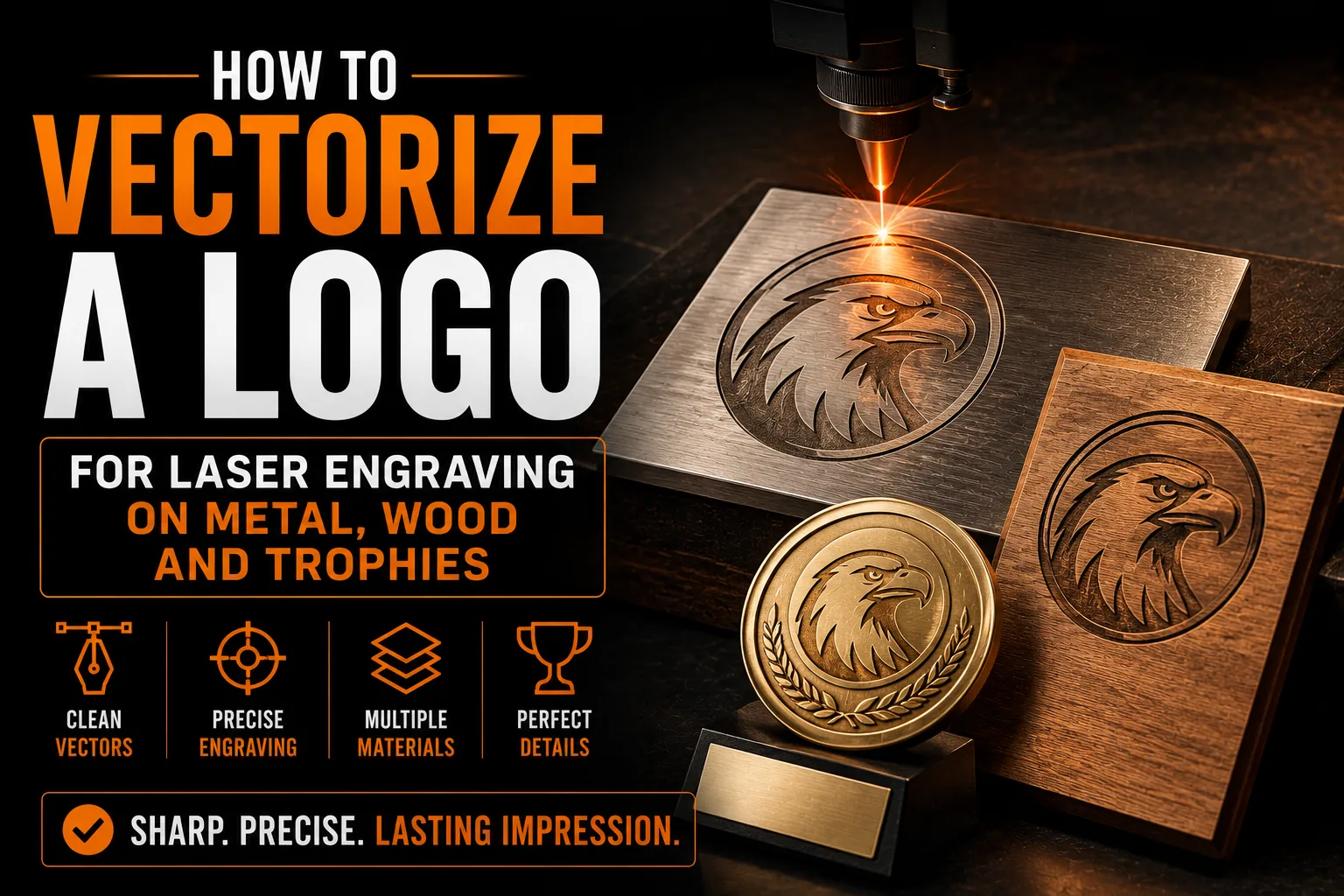
How to Vectorize a Logo for Laser Engraving on Metal, Wood and Trophies
Engraving your logo onto a metal plaque, a wooden sign, a set of awards or promotional gifts is one of the most satisfying ways to make a brand feel permanent and premium. But laser engraving machines do not read images the way a screen does. They follow paths. If your logo is a regular image file, the machine has nothing precise to follow, and the result is disappointing or impossible. This guide explains how laser engraving actually uses your artwork and how to prepare a logo that engraves cleanly on any material.
Key takeaways
- Send the engraver vector paths, since raster engraving from a photo gives fuzzy edges and unreadable small text.
- Prepare a solid one color version of your logo, because the laser either marks the surface or it does not.
- Expect slight adjustments to thin strokes for each material, since wood grain can swallow lines and glass can chip.
How a Laser Engraver Reads Your Logo
A laser engraver moves a focused beam along defined lines and fills defined areas. To do this, it needs vector paths: precise mathematical outlines that tell the machine exactly where to travel, where to cut and where to mark. A vector file gives the laser a clear map. A pixel-based image gives it a blurry photograph with no clean edges to follow, which forces guesswork and produces rough, inconsistent results.
This is the same core reason explained throughout our guide to logo quality at every size: vectors describe shapes mathematically, so they stay perfectly precise no matter how large or small the engraving.
Why Raster Images Fail on the Laser Bed
Some engraving software can attempt a raster engraving from a photo, but for a logo this rarely looks professional. Edges come out fuzzy, fine lines disappear, and small text becomes unreadable. Worse, the machine cannot distinguish a true cut line from a shaded area, so it cannot produce the crisp outlines that make an engraved logo look intentional and high quality. A clean vector removes all of that uncertainty.
Different Materials, Different Demands
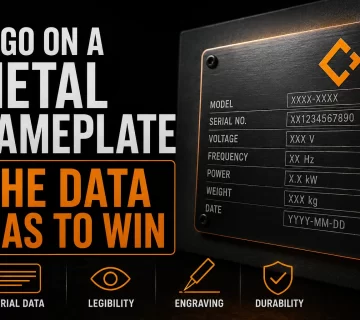
Metal, wood, acrylic, glass and leather each react to the laser differently. Wood grain can swallow thin lines, glass can chip on fine detail, and coated metals reveal a contrasting layer beneath. A vector logo lets the engraver adjust line weights and spacing for each material without distorting your design, because they are editing clean paths. Trying to do the same from a flat image means rebuilding your logo from scratch every time.
Make Your Logo Engraving-Ready
We deliver clean vector paths that laser engravers can use directly on metal, wood, glass and awards.
See vectorization service →Fine Detail and Minimum Line Width
Every engraving setup has a minimum line width it can reproduce cleanly. Logos with very thin strokes or tiny text may need slight adjustments to survive engraving, and those adjustments are simple when your logo exists as editable vector art. Many minimalist marks engrave beautifully precisely because they avoid fragile detail, a principle we explore in our article on minimalist logos and effectiveness.
Single-Color Logic for Engraving
Engraving is essentially single-color: the laser either marks the surface or it does not. So your logo needs a version that works as a clean, solid one-color shape, with no reliance on gradients, photographic shading or color to carry meaning. Preparing that version is part of proper vectorization, and it ensures your engraved logo reads instantly even on a small trophy plate or a pen.
From Existing Logo to Engraving-Ready File
Professional vectorization takes your current logo and redraws it as precise vector paths, then produces the clean single-color, outline-ready version engravers prefer. You receive standard vector formats (AI, EPS, SVG, PDF) that any engraving shop can import directly. This is far more reliable than auto-tracing, which struggles with the exact fine detail engraving depends on.
One File, Endless Engraved Products
Once your logo is engraving-ready, the same file works for awards, signage, executive gifts, branded tools and promotional items, in any city or region you serve. You stop paying setup or redraw fees on every order and you guarantee a consistent look across every engraved product. The long-term benefits of vectorization add up quickly once you start putting your logo on physical objects.
Raster vs Vector Engraving Explained Simply
Laser machines can run in two modes. Raster engraving sweeps back and forth like an inkjet printer, shading an area dot by dot, which suits photographs but produces soft, grainy logos. Vector engraving follows clean outlines precisely, giving the crisp, deliberate lines that make a branded plaque or award look professional. For a logo, vector mode is almost always the right choice, and it is only possible when your artwork is built from real vector paths. Feeding the machine a flat image forces it into raster mode and surrenders the sharpness that makes engraving feel premium in the first place.
Designing a Logo That Engraves Well
Some logos engrave beautifully and others fight the process. Marks with clean shapes, sufficient line weight and good spacing reproduce reliably on hard materials. Marks with hairline strokes, tight interior detail or color-dependent contrast can struggle, because engraving removes color from the equation. If your logo is destined for awards, signage or executive gifts, it is worth confirming it has a strong single-color form. Our article on minimalist logos and effectiveness explains why simpler marks tend to perform best across exactly these kinds of demanding applications.
Caring for Engraved Branded Items
One advantage of engraving is permanence. Unlike a printed label that can peel or fade, an engraved logo is physically part of the object and lasts for years. That durability is also a reason to get the artwork right the first time: you cannot easily change an engraved mark later. Investing in a clean vector logo before your first engraving order means every trophy, plaque and gift carries a sharp, correct version of your brand. The long-term return on that one-time preparation is the practical benefit of vectorization applied to physical products.
Why Engraved Branding Elevates Your Business
An engraved logo carries a sense of permanence and quality that printed labels rarely match. A laser-marked award, a metal plaque or a wooden sign tells clients and staff that your brand is built to last. That perception matters, and it depends entirely on the crispness of the engraving, which in turn depends on starting from clean vector art. The effort of preparing your logo properly pays off the moment a client holds a beautifully engraved gift or walks past a sharp engraved sign. From Montreal and across Quebec to businesses throughout Canada and beyond, the same prepared vector file lets any engraving shop reproduce your mark perfectly. You never have to worry that one supplier’s version will look different from another’s. Investing once in engraving-ready files means every physical object that carries your logo reinforces the same premium impression, building a brand that feels solid and trustworthy wherever it appears.
What the Engraving Preparation Process Looks Like
Getting your logo engraving-ready follows a clear, predictable path. Knowing the steps helps you understand what you are paying for and why the result is so much sharper than engraving straight from a photo.
- Your existing logo is studied as a reference, in whatever form you have it.
- Each element is redrawn by hand as precise vector paths.
- A clean single-color, outline-ready version is prepared for the laser.
- Line weights are checked so fine detail survives on hard materials.
- You receive standard vector files any engraver can import directly.
From that point, the same prepared file works for awards, plaques, signage and branded gifts at any size, with no setup guesswork. Clean vector paths are simply what laser engraving needs, the same precision principle explained in our guide on logo quality at every size.
Frequently Asked Questions
Why does a laser engraver need a vector file?
Laser engravers follow precise paths rather than reading images. A vector file provides clean mathematical outlines that tell the machine exactly where to travel and mark. A pixel-based image has no clean edges to follow, which produces rough, inconsistent engraving.
Can I engrave a logo from a JPEG or PNG?
It is usually unreliable. Raster images produce fuzzy edges, lose fine lines and make small text unreadable when engraved. For a professional result, the logo should be vectorized into clean paths first.
Does my engraved logo need to be one color?
Effectively yes. Engraving either marks the surface or it does not, so your logo needs a clean single-color version that does not rely on gradients or shading. Proper vectorization includes preparing that version.
Will the same vector file work on metal, wood and glass?
Yes. A vector logo lets the engraver adjust line weights and spacing for each material without distorting your design, because they are editing clean editable paths rather than rebuilding from a flat image.
What files do engravers prefer?
Engravers typically work with vector formats such as AI, EPS, SVG and PDF. Having your logo professionally vectorized into these formats lets any engraving shop import it directly for awards, signage and promotional items.