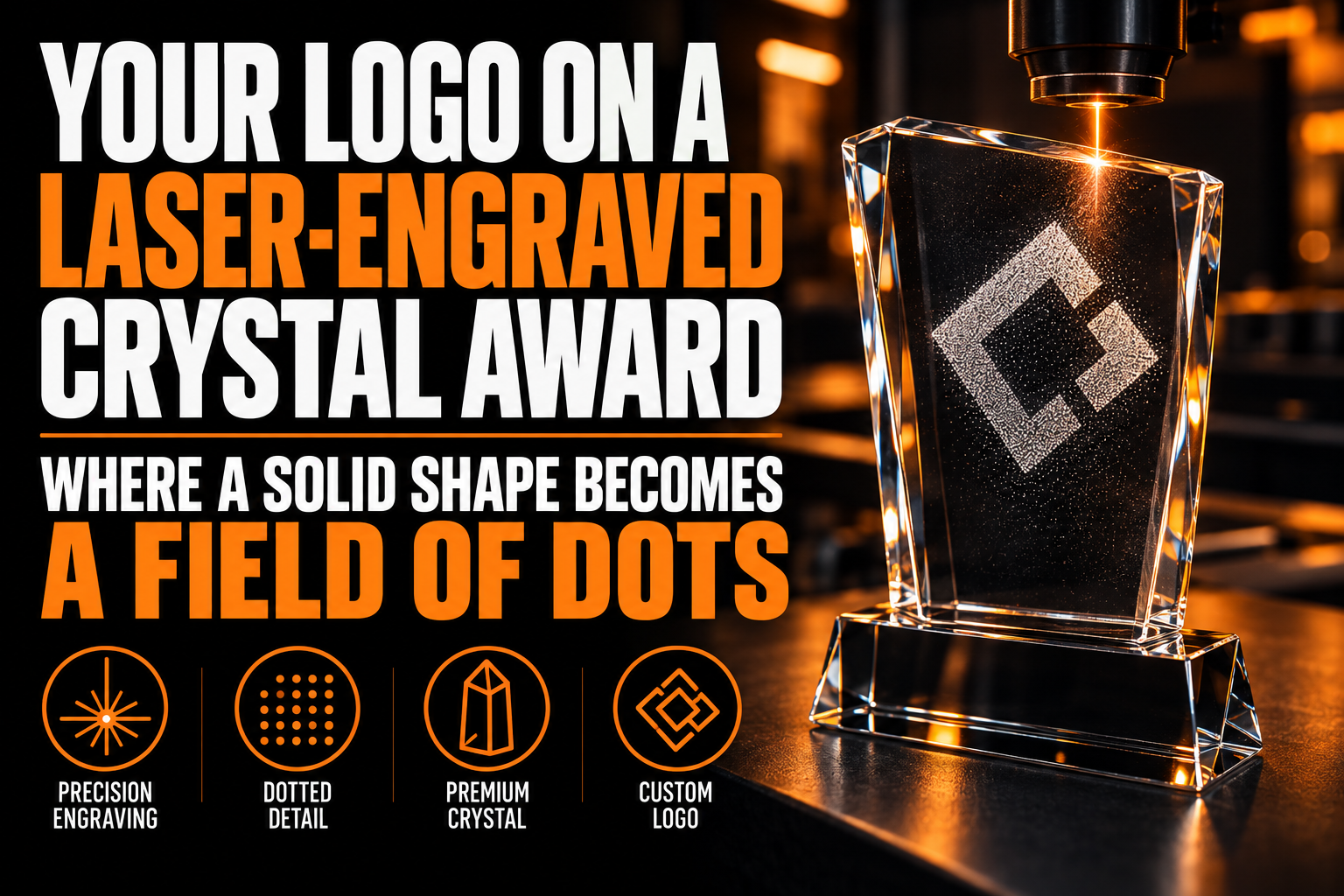
Your Logo on a Laser-Engraved Crystal Award: Where a Solid Shape Becomes a Field of Dots
A logo does not need its gradients removed or its colors simplified before it goes onto a laser-engraved crystal award. It needs something closer to what a photograph needs before a printer can reproduce it: the entire mark gets rebuilt as a field of tiny points suspended inside a solid block of glass, and only a file built for that specific process survives being reduced to dots.
Key takeaways
- Expect every solid shape to be rebuilt as a field of internal dots, so send a clean vector file made for that process.
- Avoid lines thinner than the machine’s point spacing and tightly set small text, which break into gaps or fuse together.
- Check the proof carefully before approving it, since a crystal block cannot be re-engraved once it has been cut.
This process is called subsurface laser engraving, sometimes marketed as a bubblegram, and it behaves nothing like the surface engraving used on metal plates, wood plaques or acrylic signage, a technique already covered in our guide to laser engraving on metal and wood. That article stays on the surface of the material. This one is about what happens once the mark moves inside it.
What Actually Happens Inside the Glass When a Logo Is Engraved?
A focused laser beam creates a microscopic fracture at one exact point inside solid crystal or glass. Nothing is added or removed from the material. The fracture just scatters light differently than the clear glass around it, which is what makes it visible.
A single fracture is meaningless. The image comes from computer-controlled placement of thousands of these points, each one positioned along an x, y and z coordinate inside the block. As FacFox’s engraving documentation explains, the result can be built as a flat 2D image, a layered 2.5D relief with a small sense of depth, or a true 3D form that appears to float at different distances inside the block. A logo intended for the flat version and a logo intended for the 3D version are prepared differently, and deciding which one you want comes before any file work starts.
Why Does a Solid Shape in Your Logo Turn Into a Pattern of Dots Instead of a Flat Fill?
Because nothing sits on top of the glass the way ink sits on paper or vinyl sits on a window; the surface itself stays untouched. Every solid part of your logo has to be rebuilt as a cluster of internal points dense enough to read as a filled shape.
Dot density is the only tool the engraver has, and it works in both directions. Pack the points too closely and they start to merge into what the technology calls clashes, larger fracture edges that blur the crisp outline your logo depends on. Space them too far apart and the shape looks faint, almost see-through, instead of solid. Getting a logo ready for this is a different job than getting it ready for print, and it is exactly the reformulation our vectorization service performs before a file goes anywhere near an engraving supplier.
Does a Gradient in Your Logo Survive Being Turned Into Dots?
Partially. This is one place subsurface engraving beats flat vinyl cutting or sandblasting: dot density can vary smoothly across a shape, so an engraver can approximate a gradient by thinning points on one side and packing them tighter on the other, the way a halftone approximates a photograph.
The approximation has a ceiling. Most engraving software renders a gradient as 2 or 3 visible density steps rather than one continuous fade, so a logo whose gradient carries meaning, separating two shapes that share no other boundary, needs that boundary defined as real vector geometry first. The density variation can shade the surface of that shape afterward, but it cannot substitute for the shape itself.
What Happens to Thin Lines and Small Text Inside the Block?
Two failures show up. A line thinner than the machine’s point spacing does not survive; it turns into a broken row of dots with visible gaps that reads as damage. Small text set tighter than that spacing tends to clash, fusing two separate letters into one shape.
There is no single safe minimum size, because the spacing depends on the specific laser and software the supplier runs, not on a universal industry number, so confirm it with the engraver before finalizing a file rather than guessing. What you can control on your side is the file itself: a logo that was auto-traced from a low-resolution image often carries jagged edges and stray anchor points that are invisible on a business card but become visible fracture clusters in a low-density field, a failure mode explained in more depth in our guide to professional vectorization versus auto-trace.
How Do You Check a Logo File Before Sending It to a Crystal Engraver?
Run this 4-point check before the file leaves your hands.
- Confirm it is real vector art. An AI, EPS, SVG or PDF file built from paths, not a placed raster image inside a vector wrapper. Opening the file and zooming to 800 percent should show clean curves, not pixels.
- Leave margin around the mark. A crystal block has a physical edge, and a logo engraved too close to it looks cramped and risks cracking during the engraving pass. The same clear-space logic that protects a logo on a business card or a sign, detailed in our guide to logo clear space and minimum size, applies here for a physical rather than visual reason.
- Reduce reliance on gradients for meaning. Keep a flat, single-color version on hand as a fallback, exactly the kind of file our vectorization service prepares alongside the density-based version, in case the supplier’s software cannot resolve a gradient the way you expect.
- Ask which face is up. A crystal block is viewed from a specific angle or face, and confirming that with the supplier before the file is finalized avoids discovering an orientation problem after the piece is already engraved.
A file built for points, not for print
We rebuild your logo as clean vector geometry with real line weights and closed shapes, the exact starting point an engraving supplier needs before converting it into a field of internal points.
What to Confirm Before You Approve a Crystal Award Proof
Confirm these 6 points with your supplier before you sign off on the proof, since a crystal block cannot be re-engraved once it has been cut.
- Subsurface laser engraving builds your logo from internal points, not printed color or a surface mark.
- A solid shape becomes a dense field of points, and density too high or too low both damage the read.
- A gradient can be approximated in 2 or 3 density steps, not a true continuous fade.
- Thin lines and small text risk disappearing or fusing together, and there is no universal minimum size to rely on.
- An auto-traced or low-resolution logo carries flaws that surface as visible clusters once it becomes a field of dots.
- Ask your supplier which face of the block is meant to face the viewer before the file is final.
Why Does a Crystal Award Engraving Look Different From a Printed Logo?
Because nothing is printed. The image is built from thousands of internal light-scattering points, not ink, foil or a surface mark, so it has no flat color, no opacity and no texture. A logo made for print or embroidery must be rebuilt as clean vector geometry first.
Can subsurface laser engraving reproduce a full-color logo?
No. The points scatter light rather than reflect pigment, so the finished piece reads in the color of the light source used to illuminate the block, usually white or colored LED light in the award’s base, not the original colors of your logo. A multi-color logo needs a single-color or density-based version prepared specifically for this process.
What file format does a crystal engraver need for a logo?
A true vector file such as AI, EPS, SVG or PDF, built from paths rather than a photo or screenshot. The supplier’s software converts that vector geometry into the x, y and z coordinate points the laser fires at, so a raster image has to be traced into vector form first, ideally by a professional rather than an automated tool.
How small can text be inside a laser-engraved crystal block?
There is no universal minimum, since it depends on the specific laser and dot spacing the supplier’s equipment uses. The safe approach is sending your vector file to the supplier and asking them to confirm the smallest text size their machine can resolve before you finalize the design, rather than assuming a size that worked on a different material will work here.
Does the engraving fade or wear over time?
No. The image is a permanent internal fracture inside solid glass or crystal, not a surface coating that can rub off, peel or fade under light. The only practical risk to the image is damage to the block itself, such as a crack or chip reaching the engraved points, which is why a padded box and a handling note matter more for this award than for a printed plaque.
Does the shape of the crystal block change how the logo should be prepared?
Yes. A tall, narrow block reads differently than a wide, flat one, since the same point cloud looks stretched or compressed depending on how much depth the laser has to work with. Confirm the block’s dimensions with the supplier before the file is finalized, rather than designing the point placement around a guessed shape.