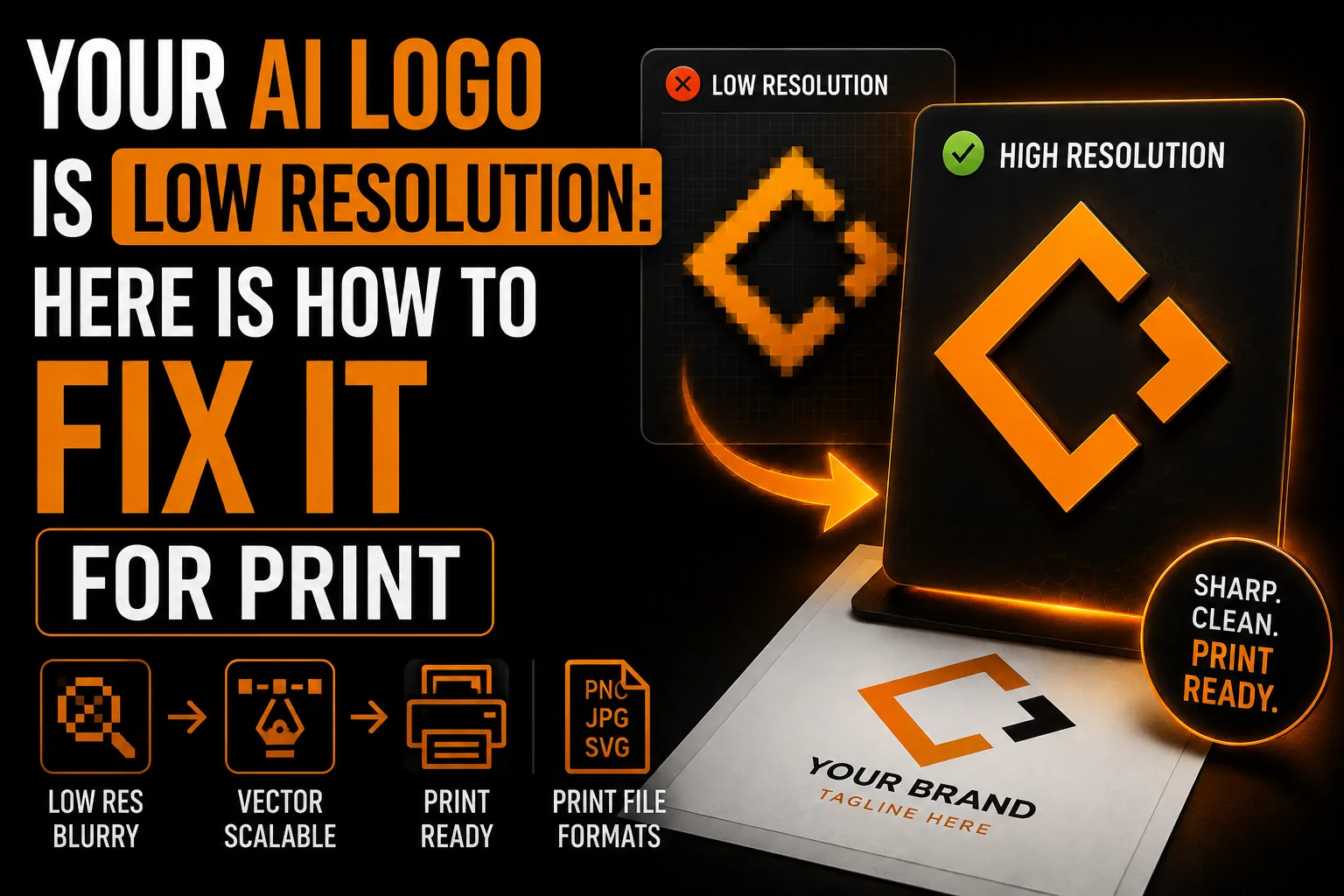
Your AI Logo Is Low Resolution: Here Is How to Fix It for Print
To fix a low-resolution AI logo, compare its pixel dimensions with the intended print size and your supplier’s needs. Upscaling can improve some images, but it can also change lettering or edges. A logo made from flat shapes may benefit from vector reconstruction, followed by checks at actual production size.
Key takeaways
- Compare your logo’s pixel dimensions with the intended print size and your supplier’s needs before changing it.
- Test any upscaled version at final size, since AI upscalers can alter lettering or edges while looking sharper.
- For a logo made of lettering and flat shapes, vector reconstruction creates paths that resize without adding pixels.
A blurry print result can come from several points in the production chain, including the source dimensions, an enlarged preview, weak lettering or an unsuitable export. Compare the approved artwork with the printer’s proof and final size before changing the file. Identifying the actual failure first prevents unnecessary upscaling and helps you prepare a stronger master for the next production run.
Why AI Logos Come Out Low Resolution
A generated raster logo has a specific width and height in pixels. It may look crisp in a small screen preview but show its limits when enlarged for a sign or banner. Check the actual download rather than assuming a fixed resolution for every AI tool. The important comparison is between those pixel dimensions and the size and process your printer intends to use.
Why Upscaling Has Limits
Increasing pixel dimensions requires the software to calculate additional pixels. This can improve some images for a particular use, but it does not establish what missing details originally should have looked like. AI upscalers may alter lettering or edges while making the preview appear sharper. Compare any enlarged result with the approved design and test it at the final size before accepting it.
When Vectorization Is the Right Fix
For a logo made mainly from lettering and flat shapes, vector reconstruction creates editable paths that can be resized without adding pixels. This removes one important source of blur, but fine details still need to suit the finished size and material. Check for embedded raster elements and confirm the supplier’s specifications. A photographic element may need a separate high-resolution raster version.
Prepare a Clear Master of Your AI Logo
We can review your AI image and reconstruct suitable shapes as vectors, with the intended production uses in mind.
See vectorization service →When Manual Redraw Helps with AI Art
Automatic tracing can work well for clear shapes, but soft edges, gradients and small lettering may produce a result that needs correction. A designer can redraw ambiguous details, adjust proportions and rebuild accurate type. Compare the trace or reconstruction with the approved design, then check the export against the supplier’s requirements rather than assuming one method always succeeds.
What You Receive
Confirm the required AI, EPS, SVG or PDF exports when ordering. Inspect their contents and send the appropriate version to each supplier. For embroidery, source artwork must also be digitized into stitches and tested on comparable fabric before the full run.
Why AI Upscalers Need a Careful Check
An AI upscaler can make a larger preview look smoother, but a logo requires fidelity as well as apparent sharpness. Compare every letter, narrow gap and curve with the approved design. If enlargement changes the mark, rebuilding those elements as vectors may be a better route. Our ChatGPT logo to SVG guide explains the tracing and reconstruction options. A vector master gives you editable geometry, while any photographic or textured parts still need their own resolution check. The right fix depends on the source and the process used to reproduce it.
Manual Redraw vs Auto-Trace on AI Art
Automatic tracing follows the available pixels, including small distortions you may not want to keep. A bold silhouette may trace well, while fine lettering, gradients or soft edges can need additional work. Manual reconstruction lets a designer choose the intended curves and correct ambiguous details. It is one of the methods discussed in our guide to turning AI images into print-ready vector files. Evaluate the actual result: compare letter spacing, repeated shapes and the smallest application, then ask the supplier to review the production version. The method matters less than a faithful, usable final file.
What Fixing the File Means for Your Business
A weak source can complicate signs and banners because each new size exposes the same uncertainty. A clean vector master makes flat shapes easier to resize and edit, reducing repeated reconstruction. It does not remove the need to check material, color and minimum detail with each supplier. For a Quebec business using several supports, the practical benefit is having a consistent source from which appropriate exports can be prepared. Our overview of vectorization benefits explains that flexibility. Keep the approved master and identify its variants so your team does not accidentally reuse the original small preview.
Why Added Pixels Are Not the Same as Recovered Detail
An enlargement changes the number of pixels, but it cannot prove the exact shape of a detail missing from the source. Traditional resampling interpolates information; an AI tool may generate a plausible interpretation. Either can be useful in the right image workflow, but business lettering and distinctive shapes need deliberate checking. Reconstructing a flat logo as paths lets you define those elements explicitly, as discussed in our guide to logo quality at every size. Compare the new geometry with the approved design and preserve any essential raster artwork separately. Vectorization is a targeted option, not a requirement for every kind of image.
Simple vs Complex Logos and Auto-Trace
A bold, flat, high-contrast mark may trace acceptably with automatic tools. Gradients, soft edges, fine details and small text can require more adjustment, but they do not make every automatic result unusable. Inspect a trace and decide where manual correction is needed. The aim is to preserve the intended identity while preparing artwork for a specific application. Our guide to turning AI images into print-ready vector files compares those routes. Check whether simplification changes recognition, whether letters remain accurate and whether a one-color version is needed before you approve the reconstructed master.
An Illustrative Scenario: From Blurry Sign to Reviewed Artwork
Imagine a contractor who receives a blurry window decal made from a small AI logo preview. The first step is to examine the source and ask the sign maker about the finished dimensions. A designer can reconstruct the flat shapes and lettering, then return a proof for review. The same master can support other exports for business cards or signs, while uniforms require their own embroidery preparation. This example illustrates the flexibility described in our overview of vectorization benefits. It is a workflow example, not a promise that one file will reproduce perfectly on every material or remove all future proofing.
How to Prevent the Low-Resolution Problem Next Time
Keep the approved vector masters in a clearly named, backed-up folder and separate them from small previews used in email or messaging. Record which variants are intended for light backgrounds, dark backgrounds and one-color reproduction. When ordering a new support, send the requested master or export and confirm dimensions, color settings and minimum detail. Our overview of vectorization benefits explains why an editable source makes this easier. Also preserve original photographs or textures if they are part of the identity: placing them in an SVG or PDF does not turn them into paths. This file discipline reduces preventable mistakes while leaving room for the checks each supplier and material requires.
Steps to Fix a Blurry AI Logo
Here is the clear path from a low-resolution AI image to a print-ready logo.
- Gather the highest-resolution version of your AI logo you have.
- Trace or redraw suitable shapes, then correct any distortions or inaccurate lettering.
- Confirm the lettering and fine detail are crisp at full size.
- Receive vector masters (AI, EPS) plus SVG, PDF and a transparent PNG.
- Choose the appropriate export for each future print, sign or product and approve a proof.
A professional vectorization service can help reconstruct a clear master and prepare the requested formats. Confirm the final version with your supplier before ordering production.
Frequently Asked Questions
Why is my AI logo low resolution?
A raster download has fixed pixel dimensions. It can become visibly soft when enlarged beyond what the intended print process needs. Check the actual file and finished size before deciding between a better source, careful resampling or vector reconstruction.
Can I just increase the resolution of my AI logo?
You can increase pixel dimensions, and the result may help in some uses. However, added pixels do not guarantee accurate missing details. For lettering and flat shapes, compare an upscaled result with deliberate vector reconstruction before choosing your production source.
Does AI upscaling fix a blurry logo?
Not reliably. AI upscalers guess at missing detail and often distort fine lines and lettering, which is especially damaging for logos. Professional vectorization redraws the logo cleanly instead of guessing.
What files do I get after vectorization?
Agree on the needed AI, EPS, SVG or PDF files and any raster previews. Check their objects and final appearance. Each supplier may require a different export; embroidery also needs a stitch file prepared for the garment and size.
Technical sources: Adobe Illustrator : Image Trace