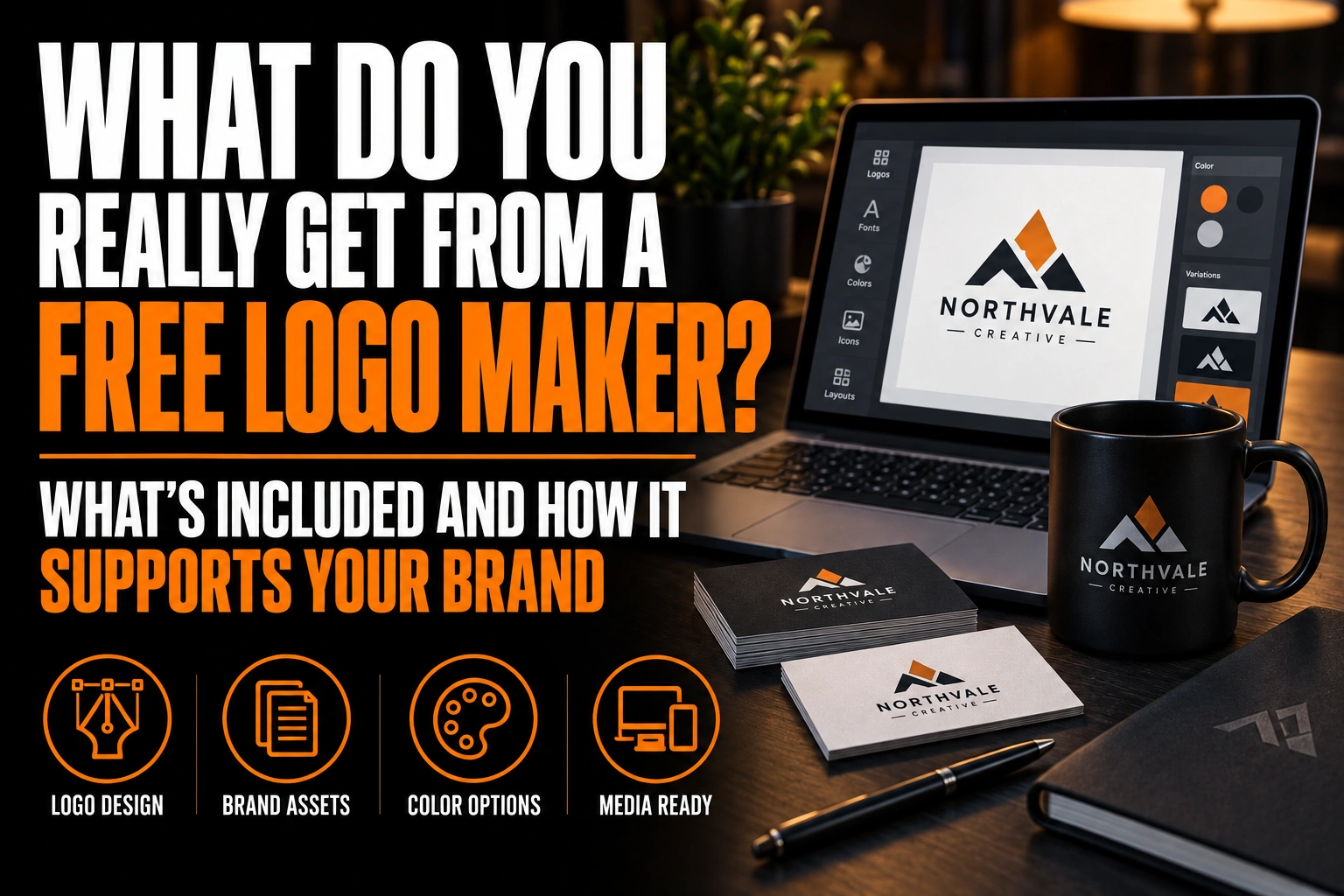
What Do You Really Get From a Free Logo Maker?
Yes, totally free logo makers exist: Shopify’s Logo Maker, for example, lets you design and download a logo at no cost. What you usually get is a set of PNG images built from shared templates, not a vector master or a unique mark. A free logo works well on screens and often stalls at the printer.
Key takeaways
- A free logo maker usually delivers PNG images from shared templates, enough for a website header and a social profile.
- Print needs about 300 pixels per inch at the final size, so a PNG made for a website often fails at the printer.
- Free tools build logos from shared icons, fonts and templates, so another business can end up with the same symbol.
This article details what 3 real free tools hand over and what a typical download is missing. It also lists the signs that the free version has done its job.
Is there a totally free logo maker?
Yes, but “free” covers 3 different deals: free to design and download, free to design with paid downloads, and free downloads with the better formats locked behind a plan.
The Shopify Help Center describes its Logo Maker as a free tool. You pick a name, a font, a colour palette, a symbol and a layout, then download a zipped folder of PNG files. You cannot import your own images or artwork into it.
Canva’s free plan also lets you download a logo, but its Help Center list of download file types shows the limits: PNG, JPG and a standard PDF at 96 dpi are free, while SVG, transparent backgrounds and the print PDF at 300 dpi require a paid plan.
Wix states on its logo maker page that free users can download high-resolution PNG, JPG and SVG files, while AI generation and AI edits draw on a limited number of credits. Free, in other words, depends on the tool and on the features you use.
What files are in a typical free logo maker download?
A typical free download is a handful of PNG images: the logo with and without a background, and a horizontal and a vertical layout. That is enough for a website header and a social profile.
What usually is not in the folder matters more for a growing business:
- An editable vector master (AI or EPS) that a printer or sign shop can scale.
- A one-colour version for embroidery, engraving or single-ink promotional items.
- Print colour values in CMYK, plus a Pantone reference for spot colour jobs.
- Text converted to outlines, so the font cannot be swapped by another computer.
Even when a tool offers a free SVG, check it before you rely on it. An SVG can carry vector paths or a pixel image in disguise, and only a zoom test at 800% tells them apart.
Why does a free logo look fine on screen but fail in print?
Because screens forgive low resolution and paper does not. A PNG sized for a website has enough pixels for a phone, but print needs about 300 pixels per inch at the final size.
A 1,200-pixel-wide PNG is sharp as a website logo, yet it only covers 4 inches of paper at that density. Stretch it across a 3-foot vinyl banner and every pixel grows about 9 times wider, which shows up as soft, stepped edges. Colours shift too, since the file was defined for light from a screen, not ink on paper.
How unique is a logo from a free logo maker?
Not very. Free logo makers assemble logos from shared icon libraries, font menus and layout templates, so other businesses can pick the same symbol with a different name beside it.
That does not matter for a weekend project. It matters when a competitor in your city ends up with a near-identical icon. Customers then struggle to tell your signage and invoices apart from theirs. Our honest guide to Canva versus professional design explains how shared libraries create this problem.
Paying for a premium tier on the same platform does not change it either, since the library stays the same. Our look at what paid logo platforms actually deliver covers that side of the question.
When is a free logo maker good enough?
A free logo maker is good enough when the logo only needs to live on screens for a short time. It is a fast, honest way to test an idea before you spend money on it.
- Testing a business name on a landing page or a social profile before launch.
- A one-time event, a side project or an internal team page.
- A placeholder while a professional logo design is in progress.
In each case, the free PNG does its job because nobody has to print, embroider or engrave it.
When does upgrading from a free logo maker make sense?
Upgrading makes sense as soon as the logo has to leave the screen or carry real marketing spend. Four signs usually show up first.
- You are ordering printed items. Business cards, signs, banners and embroidered shirts all need a vector master, not a PNG.
- You spot a similar logo nearby. A shared template icon on a competitor’s storefront or signage weakens both brands.
- You need matching versions. A horizontal logo, a stacked logo, a square icon and a one-colour mark have to look like one family.
- You are about to spend on advertising. Every ad dollar builds recognition for the mark in the ad, so it should be one you plan to keep.
A custom logo design answers all 4 at once, because the designer builds the vector files and the variants from the first sketch. Before you contact anyone, our professional logo design pricing guide and our advice on how to choose the right logo designer will help you compare offers.
Replace a template logo with a mark that is only yours
We design an original logo for your business and deliver the full set of vector masters, colour versions and print values a free download leaves out.
How do you move from a free logo to a designed one without losing momentum?
Keep using the free logo on screens while the new one is designed, and prepare the handover in 3 steps.
- Gather what you have. Save the free PNG files, your colour codes and a list of every place the logo appears today.
- Write down what the new logo must do. Note the printed items, signs and apparel you plan to order in the next year.
- Brief the designer clearly. Our logo designer brief template walks you through the questions a designer will ask.
Once the new files arrive, replace the free logo everywhere at once: website, social profiles, email signature and invoices. A clean switch keeps customers from seeing 2 logos side by side.
What to check before you rely on a free logo maker
Check 4 things before you trust a free download: which formats are free, whether any file is a true vector, if the icon appears elsewhere, and whether you plan to print it soon.
- Read the download options first: which formats are free and which need a plan.
- Open the folder and list every file, noting whether any vector format is included.
- Zoom any SVG to 800% to confirm it holds paths, not a hidden image.
- Search for your chosen icon in the tool’s library to see how common it is.
- Keep the free logo for screen use and plan a designed mark before printing.
What else do people ask about free logo makers?
Five questions come back before people commit to a free logo. They cover fully free tools, vector files, business cards, upgrades and look-alike results.
Is there a totally free logo maker?
Yes. Shopify’s Logo Maker, for example, is a free tool that lets you design a logo and download a zipped folder of PNG files at no cost. Other tools are free to design with but lock some formats or features behind a paid plan, so check the download options before you start.
Can you get a vector file from a free logo maker?
Sometimes. Canva reserves SVG downloads for paid plans, while Wix states that its free downloads include SVG. Even when an SVG is offered, zoom it to 800% or open it in outline view. Real paths stay sharp, while an embedded pixel image does not.
Is a free logo maker logo good enough for business cards?
It can be, if the file has enough resolution and the logo is simple. Print needs about 300 pixels per inch, so a 1,200-pixel PNG covers about 4 inches, which is enough for a card. For signs, banners or embroidery, a vector master is still needed.
Can a free logo maker logo be turned into a professional logo?
It can be redrawn as a clean vector file, which fixes the print problems. It cannot become unique, though, because the icon and layout still come from a shared template library. If originality matters, a designer usually starts a new mark and may keep only the name and colour direction.
Why do logos from free logo makers look so similar?
Free logo makers build every logo from the same icon libraries, font menus and layout templates. Many users type different names into the same combinations, so similar symbols appear across unrelated businesses. It shows most when businesses in the same trade reach for the same obvious symbol, such as a coffee cup or a house.
Conception-Logo.com, a Montreal-based agency, has designed visual identities for more than 5,000 brands. Each original logo comes with the vector files and variants a free download leaves out.