Your Logo on a Warranty Card: The One Insert Your Customer Files Instead of Throwing Away
A warranty card is the one piece of packaging your customer keeps instead of throwing away. It gets filled in once, with a purchase date and a serial number, then filed in a drawer or a folder for however long the warranty runs. That single fact, filed rather than read and discarded, decides almost everything about how the card should be laid out.
Key takeaways
- Give the strongest visual weight to the serial number and date fields, and keep the logo small and out of their way.
- Fit at least a model identifier, a serial number, a purchase date line and a way to reach the manufacturer on the card.
- Add a short web address or QR code next to the fields so customers can register online without an envelope or stamp.
Why does a warranty card behave differently from every other printed insert?
Every other document in the box gets read once and thrown out within the week. A warranty card gets read once, filled in by hand, and then put away somewhere the customer expects to find it again months or years later, usually at the exact moment something has gone wrong with the product.
That retrieval moment is the entire design brief. Nobody digs a card out of a drawer to admire the layout. They dig it out because a product failed and they need proof of purchase, a serial number, or a phone number, often while frustrated and in a hurry. A card built like a brochure, with the logo dominating the top and the useful fields squeezed into a corner, fails at the one moment it was printed for.
The retention period also changes what the paper itself has to do. A card meant to be read once can be printed on light stock, since it will not exist a week later. A card meant to survive 1 to 5 years in a drawer, sometimes longer for major appliances, needs stock that will not yellow, crack along a fold, or smudge if it gets damp. Card stock and coating choices are a real production decision, the same one we walk clients through on why paper quality matters for a printed card, and a warranty card faces a longer test than almost anything else that leaves a print shop.
Why do so many warranty cards look like a postcard?
Because for decades, most of them were designed to be mailed back for free, and a postage-paid reply card has to match postal sorting equipment, not the brand’s preferred proportions. The United States Postal Service requires reply cards to measure at least 3.5 by 5 inches and no more than 6.125 by 11.5 inches, with a minimum thickness of 0.007 inch and a length-to-height ratio between 1.3 and 2.5, so the piece can run through automated sorting machinery instead of jamming it or getting kicked out for manual handling.
That size window is exactly postcard territory, which is why decades of warranty cards share the same cramped, postcard-shaped layout regardless of the brand behind them. A card outside those bounds risks being treated as an oversized mail piece, which usually means a higher postage cost or manual handling at the sorting facility, neither of which a manufacturer printing tens of thousands of cards wants to absorb.
The habit outlives the reason for it. Plenty of brands that no longer offer a mail-back option at all still default to postcard proportions out of pure inertia, and that inherited size is exactly what forces small type and cramped spacing onto a card that no longer has to fit through a mail sorter at all. If nothing is being mailed, the size constraint should be revisited, not copied from the last print run.
What actually has to fit on a warranty card?
Four fields, at minimum: a product or model identifier, a serial number, a purchase date or proof-of-purchase line, and a way to reach the manufacturer. Everything else on the card, including the logo, is secondary to those four.
Order them by how the customer will actually use the card. The serial number and model fields get filled in once, near the time of purchase, then get searched for once, much later, under time pressure. Both moments favour a field that is easy to find at a glance rather than one that is merely present somewhere on the page. A serial number buried in 8-point type below a paragraph of brand copy defeats the entire purpose of keeping a paper record in the first place.
Leave visible room for handwriting. A field that is 0.25 inch tall might fit a printed number, but it will not comfortably fit a customer’s handwriting in ballpoint pen, and a cramped field gets filled in illegibly or skipped. Give each blank field enough height and width for an adult’s normal handwriting, checked against a real pen and a real hand rather than assumed from the digital layout.
Getting this file production-ready is a smaller job than it looks, provided the logo and layout elements arrive as clean, editable files rather than a flattened screenshot pulled from an old print run. Our guide on what a printer actually needs from your files covers the file preparation step that most warranty card reprints skip, right up until a print vendor rejects the job. It is the same kind of production decision our print and packaging insert design service settles before a job goes to a vendor, not after the first batch comes back wrong.
Should you still print a mail-in card, or move registration online?
Most brands now do both, with the emphasis shifted toward online. A short web address or a QR code printed next to the fields lets a customer register in under a minute, without an envelope or a stamp, and the data reaches the manufacturer immediately instead of after a mail delay.
The physical card rarely disappears entirely, even after registration moves online, because it still does something a database entry cannot: it stays with the customer as their own paper backup, sitting in the same drawer as the receipt. A card that only points to a website and holds no fields of its own removes that backup function, which is exactly what customers reach for when a product fails outside the retailer’s return window and the original online account is long forgotten.
If a mail-back option is still offered, the postal sizing rules above still apply and should be confirmed with your print vendor before the file is finalized. If it is not, drop the postcard proportions and design the card at whatever size actually fits the four required fields comfortably, which is usually larger than the inherited postcard shape allows.
A warranty card that survives years in a drawer, not just one reading
We lay out warranty and registration cards around the fields your customer will actually search for later, with stock and print choices built to last the full warranty term.
Where does the logo actually belong on a warranty card?
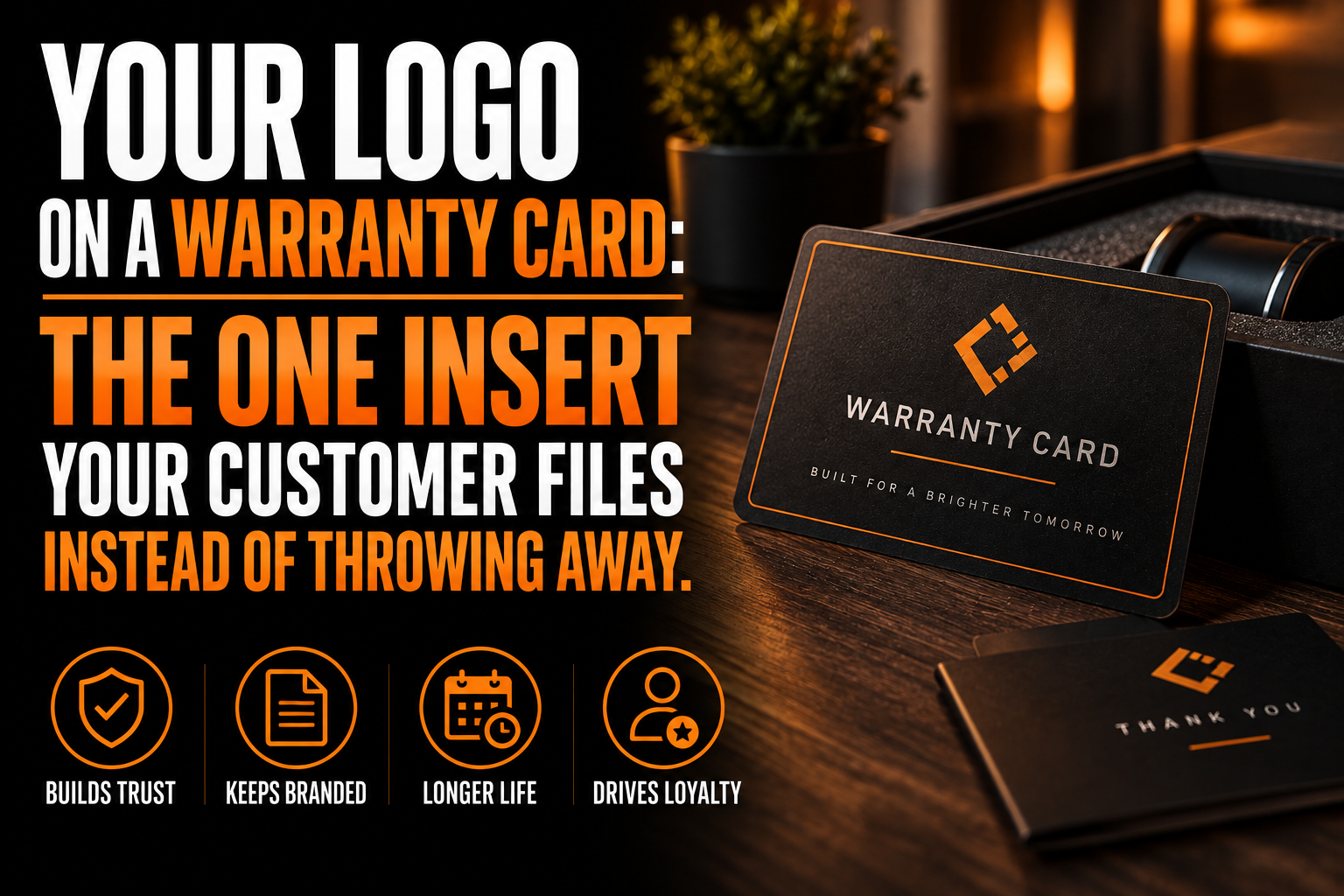
Small, and away from the fields the customer needs to fill in or search for. The strongest visual weight on the card belongs to the serial number and date fields, not the brand mark, because those are the elements the customer is hunting for under time pressure.
A logo placed at the bottom edge or on the reverse of the card is usually enough. It confirms the brand without competing for space against a field the customer has to write in by hand, and it keeps the card legible at the exact moment it matters most, the same layout discipline our print and packaging insert design service applies to every card and insert we lay out. This is the same restraint that governs a good unboxing sequence generally, where the functional pieces earn their space first and the brand moment happens elsewhere; our article on branded packaging and the unboxing experience covers where that brand moment belongs when it is not on the warranty card itself.
What to lock down before your warranty card goes to print
- Confirm the four required fields: product or model identifier, serial number, purchase date, and a contact method.
- Size each fill-in field for real handwriting, not just a printed number.
- Decide whether a mail-back option is actually offered before copying postcard proportions from an old file.
- If it is mailed back, confirm the size and thickness against your postal service’s reply mail rules.
- Choose card stock rated to outlast the warranty term, not just the trip through the mail.
- Keep the logo small and clear of the fields the customer will search for later.
Is a printed warranty card still worth the space in the box?
How long does a warranty card actually need to survive?
As long as the warranty term itself, which is commonly 1 to 5 years for consumer goods and sometimes longer for appliances and equipment. The card has to survive being stored flat in a drawer or a filing folder for that whole period without the ink fading or the paper going brittle, not just survive one reading.
Do warranty cards still need to be mailed in?
Fewer than before. Many brands now print a QR code or a short web address next to the card instead of a postage-paid mail-back panel, and let the customer register online in under a minute. The physical card usually stays in the box either way, since it doubles as the customer’s own paper backup.
What size should a warranty card be if it can be mailed back?
If it is meant to travel through the mail as a reply card, the United States Postal Service sets a minimum of 3.5 by 5 inches and a maximum of 6.125 by 11.5 inches, with a minimum thickness of 0.007 inch. A card outside those bounds can be rejected or charged as an oversized piece by automated sorting equipment.
Should the logo be bigger than the serial number field?
No. The serial number, purchase date and model fields are what the customer will hunt for months or years later, so they need the strongest visual weight on the card. A small, clearly placed logo at the bottom or on the reverse is enough to confirm the brand without competing with the fields the card exists to hold.