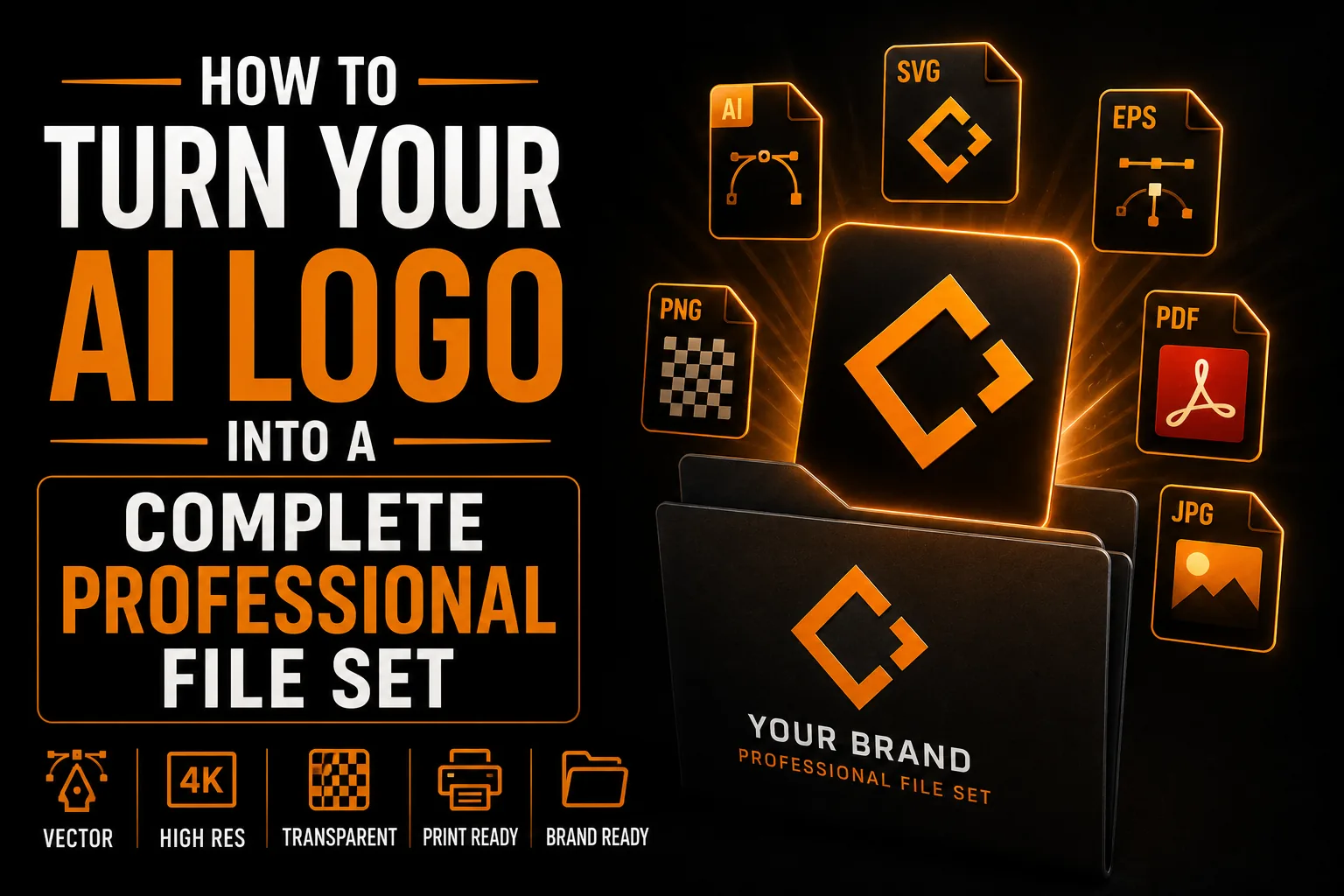
How to Turn Your AI Logo Into a Complete Professional File Set
An AI logo almost always arrives as a single image file. That is enough to see the idea, but it is far short of what your business will actually need. A real logo comes as a complete set of files and versions, each built for a specific purpose. Here is what that set contains and how to get there from a single AI image.
Why One File Is Never Enough
Different uses demand different files. Your website wants a lightweight SVG or PNG. Your sign maker needs vector AI or EPS. Your printer may ask for a PDF. Embroidery and one-color stamps need a solid single-color version. One AI image cannot satisfy all of these, which is why a complete set matters.
The Vector Master Files
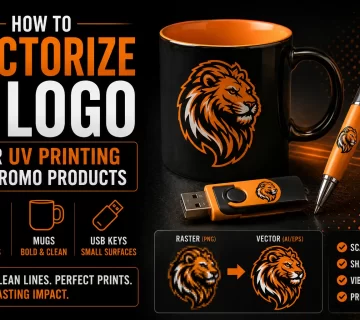
At the center of the set are the vector masters (AI and EPS). These are the source files everything else is generated from. They scale infinitely and can be edited later. If you only keep one thing forever, keep these.
Get the Complete File Set Your Brand Needs
We turn your single AI logo into vector masters plus every format, color and layout variant.
See vectorization service →The Everyday Formats
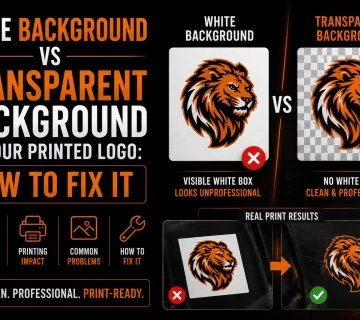
From the masters you derive practical formats: SVG for web, high-resolution PNG with a transparent background for digital use, and PDF for print suppliers. Each is exported correctly so it behaves as expected wherever you use it.
The Color and Layout Variations
A proper set includes a full-color version, a solid black version, a solid white version for dark backgrounds, and layout variants such as horizontal, stacked and icon-only. These let your logo fit any space and any background cleanly.
How to Build the Set From an AI Logo
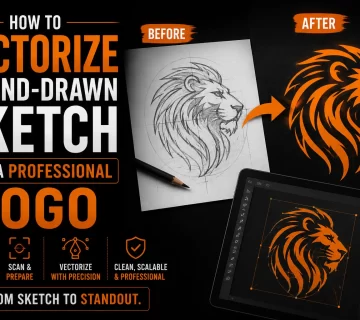
The process starts by vectorizing the AI image into a clean master, then exporting every format and creating each color and layout variant. A professional handles this end to end, so you walk away with one organized, ready-for-anything folder.
The Vector Masters at the Center of the Set
At the heart of a complete logo set are the vector masters (AI and EPS). Everything else is generated from them, and because they are built from mathematical shapes, they produce a tiny favicon or a building-sized sign from the same source with no quality loss. If you keep only one thing forever, keep these. Their importance comes from the pixel-versus-vector distinction explained in our guide on logo quality at every size. An AI image alone is not a master; it is a single flattened snapshot, which is why turning it into a proper set starts with vectorizing it into a clean, editable source.
The Everyday Formats and Variations You Will Need
From the masters you derive the practical files: SVG for the web, a high-resolution transparent PNG for digital use, and PDF for print suppliers. You also need versions, a full-color logo, a solid black version, a solid white version for dark backgrounds, and layouts such as horizontal, stacked and icon-only. These cover every space and surface your brand touches. Choosing colors that hold up across all of them is its own craft, explored in our article on choosing logo colors. A single AI image cannot serve all these needs at once, which is exactly why a coordinated set matters.
Why a Complete Set Saves You Time and Money
With a full set in one organized folder, any supplier request is answered in seconds, and you never receive a blurry proof or pay an art fee to recreate a file. Whether your business is in Montreal, across Quebec, throughout Canada or serving international clients, the right file is always ready for the right job. This removes friction from every project, from a new sign to an apparel run to a trade-show booth. Building the set once is a small investment that pays off repeatedly, the practical payoff our overview of vectorization benefits describes.
What Each File in the Set Is For
A complete set is easier to appreciate when you know each file’s job. The AI and EPS masters are your editable source, scalable to any size. The SVG is for the web, light and crisp on any screen. The transparent PNG covers everyday digital use. The PDF is for print suppliers. The one-color version handles embroidery and stamps, and the reversed version handles dark backgrounds. Together they answer every request. This breadth exists because, as our guide on logo quality at every size explains, no single file can serve every medium at once. A real logo is a small toolkit, not a lone image.
A Simple Naming System That Saves Time
Once you have the full set, a little organization makes it effortless to use. Name files clearly, such as logo-primary-color.eps, logo-black.svg, logo-white.png and logo-icon.svg, and keep them in one labeled folder. When a supplier asks for a specific format, you find it in seconds instead of digging through old emails. This small habit turns your logo files into a reliable system rather than a scattered mess, and it ensures the right version always goes to the right job. It is a minor discipline with a real payoff on every project, big or small.
A Real Scenario: Answering Any Supplier in Seconds
A shop owner with a complete logo set gets three requests in one week: the sign company wants an EPS, the web developer wants an SVG, and the promo supplier wants a simple one-color version. Because the owner has the full set, each request takes seconds to fulfill, and every result looks consistent because all versions come from the same master. Compare that to scrambling to convert files or paying art fees, and the value is obvious. Whether the business is in Montreal, across Quebec or serving clients internationally, a professional vectorization service delivers this readiness once, so every supplier interaction afterward is smooth.
Keeping Your File Set Safe and Backed Up
A complete logo set is only useful if you can always find it. Once you have your masters and every version, store them in at least two safe places, such as a cloud drive and a local backup, and keep a simple one-page note of your colors and fonts alongside them. This small habit means that years from now, no matter who handles your marketing, your brand is instantly reproducible. It also protects you from the all-too-common situation of losing your files and being stuck with only a printed sample. Owning organized, backed-up files is the foundation of the lasting reliability our overview of vectorization benefits describes. Whether your business is in Montreal, across Quebec, throughout Canada or working internationally, a safely stored file set means your logo is always ready for the next sign, the next batch of cards or the next opportunity.
Building the Full Set From Your AI Logo
Here is how a single AI image becomes a complete, ready-for-anything file set.
- Vectorize the AI image into a clean editable master.
- Export everyday formats: SVG, transparent PNG and PDF.
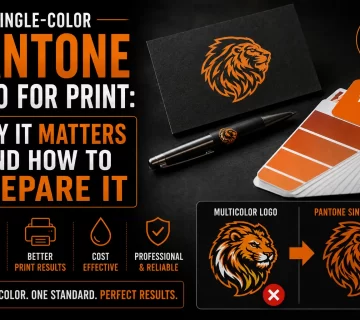
- Create full-color, black and white versions.
- Build horizontal, stacked and icon-only layouts.
- Organize everything into one clearly labeled folder.
The result is a toolkit that answers any supplier request instantly. A professional vectorization service delivers this complete set so you are ready for every use.
Frequently Asked Questions
What logo files does my business actually need?
You need vector masters (AI, EPS) plus everyday formats (SVG, transparent PNG, PDF) and variations: full-color, black, white-for-dark-backgrounds, and horizontal, stacked and icon-only layouts. Together these cover web, print, signage and embroidery.
Can one AI image cover all my logo needs?
No. Different uses require different files and versions. A single AI image cannot serve web, large-format print, one-color embroidery and dark backgrounds at once, which is why a complete file set is needed.
What are vector master files?
Vector masters (usually AI and EPS) are the source files that everything else is generated from. They scale to any size and can be edited later, so they are the most important files to keep permanently.
How do I build a full file set from an AI logo?
First the AI image is vectorized into a clean master, then every format and color and layout variant is exported from it. A professional delivers this as one organized, ready-to-use folder.