Tell a story
Each slide leads to the next. You present an idea, a journey or different sides of your business in a logical order.

CAROUSEL Custom LinkedIn presentations
A carousel designed to organize your expertise into clear, coordinated slides. We structure your message so it tells a story and makes people want to keep scrolling.
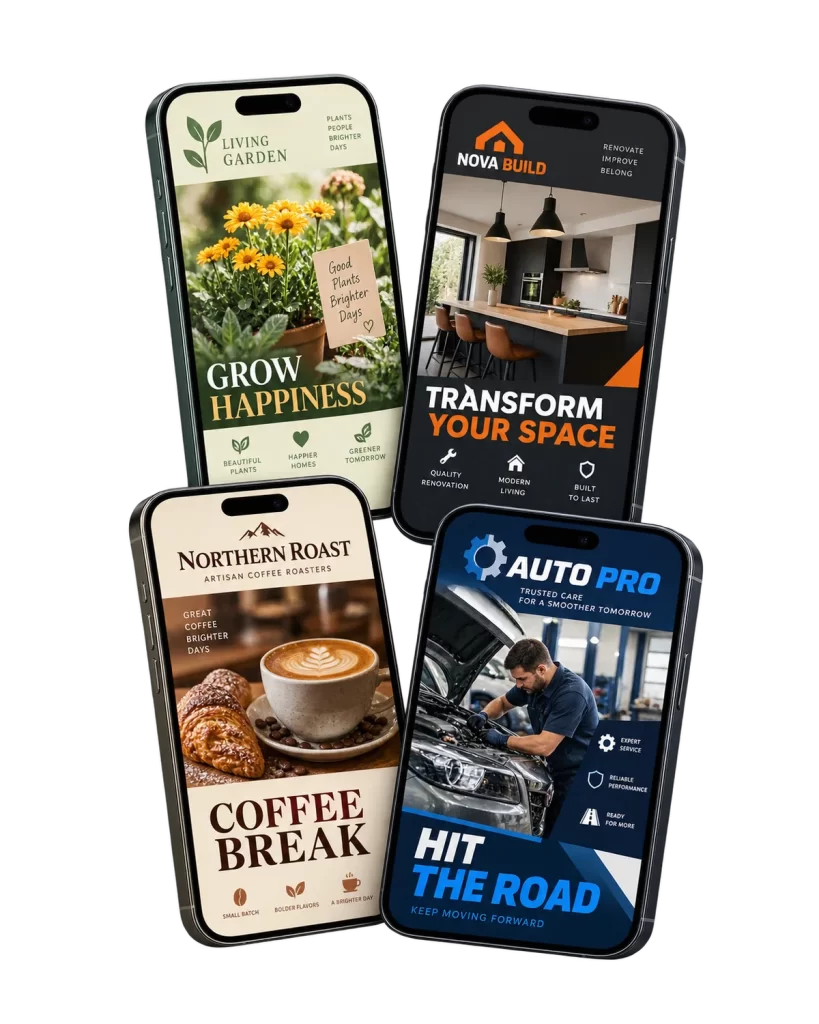
Why a carousel
On LinkedIn, visual content has become essential to capture your network’s attention. Whether you are an entrepreneur, a marketer or a growing professional, a carousel lets you share rich information in a concise way.
Each slide leads to the next. You present an idea, a journey or different sides of your business in a logical order.
The information is broken into short steps with clear titles and captions. Your network understands quickly and remembers more.
A well-designed carousel catches the eye in the news feed and sets you apart from the competition with your prospects.
Carousel ideas

Carousels lend themselves to all kinds of content. Here are a few ideas we can design for you, based on your expertise and your achievements.
We help you choose the topic and break it down into slides that flow naturally from one to the next.
Dimensions and files
Following the recommended dimensions guarantees an optimal presentation on LinkedIn. Here are the guidelines we apply to your slides.
PDF as an option. A carousel shared as a PDF document lets you offer more detailed information and additional resources.
Little text, clear titles and captions.
Each slide makes people want to see the next.
3 to 5 slides to hold attention.
Our process
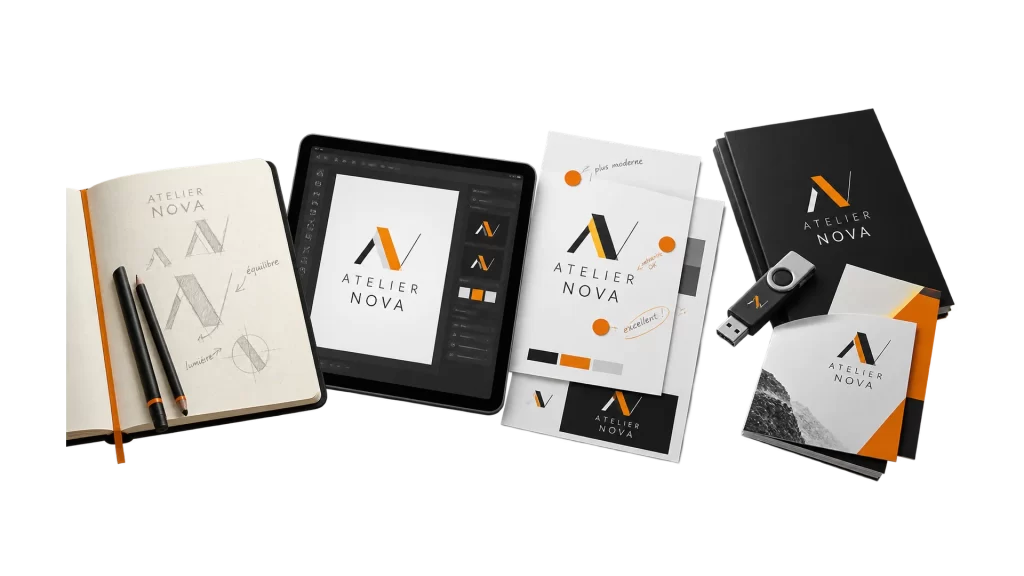
Together we define the topic, the target audience and the key message of your carousel.
We break the content into slides that flow together, each with a clear title.
Our designers create coordinated, readable slides that stay true to your brand identity.
We fine-tune the carousel with you, based on your feedback, until it matches your expectations.
You receive files ready to post, as images or as a PDF, depending on your needs.
Frequently asked questions
Another question about your LinkedIn carousel? Write to us, we’ll be happy to help.
Ask a questionLinkedIn users have limited attention: aim for 3 to 5 slides, with clear titles and captions, without overloading any slide with text.
A width of 1080 pixels and a height of 1080 pixels or less. The 1080 × 1080 pixel square format is the most commonly used.
Well-compressed JPG, PNG or PDF files, for fast loading. A PDF also lets you share more detailed content.
Project portfolio, educational guide, case study, tip series, career journey or article recap: we help you choose based on your expertise and your audience.
By building a real narrative: each slide should connect to the next and encourage people to keep scrolling. Readability comes before the amount of text.
Yes. Revisions are part of the process: we fine-tune the carousel with you until it matches your expectations.
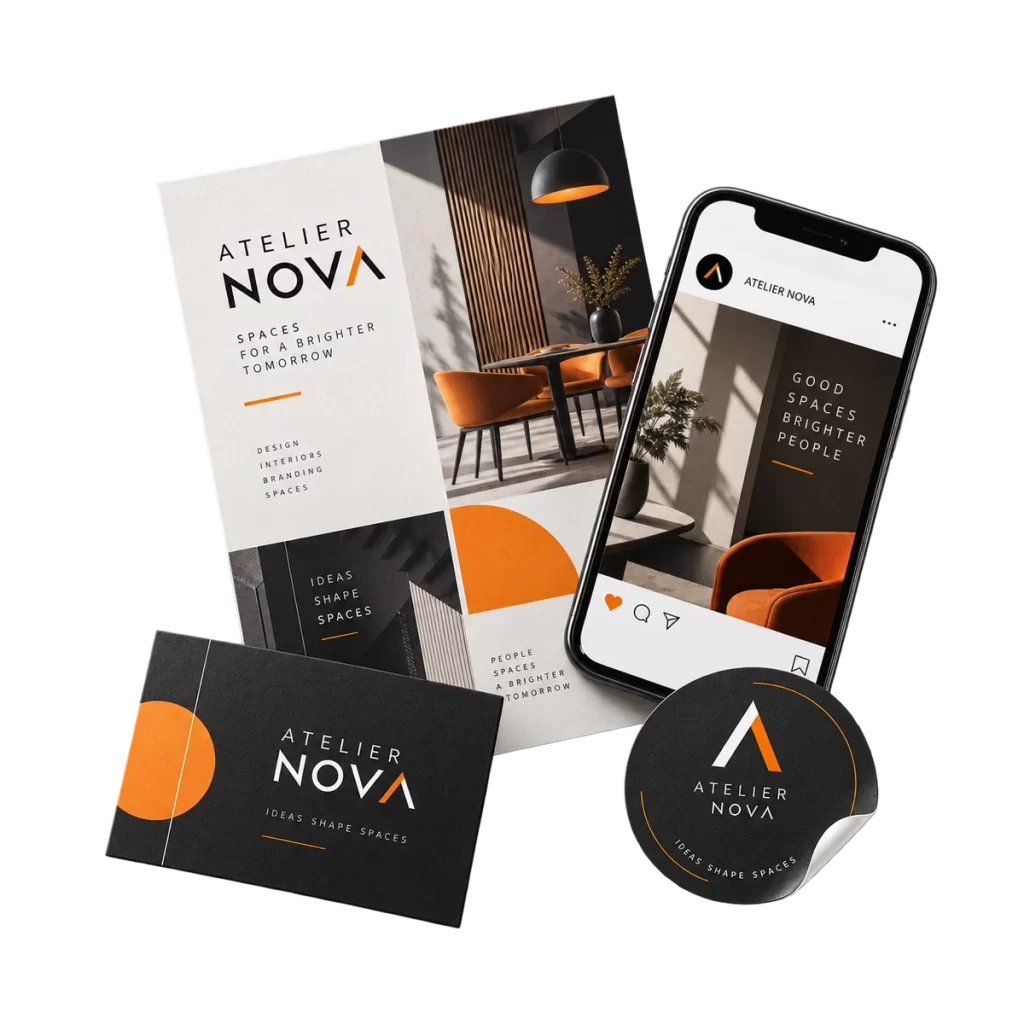
Let’s get started
Tell us about your topic, your audience and what you want to convey. We’ll turn it into a clear carousel that holds attention.