Your Logo on the Guest Wi-Fi Login Screen: It Loads Before the Internet Does
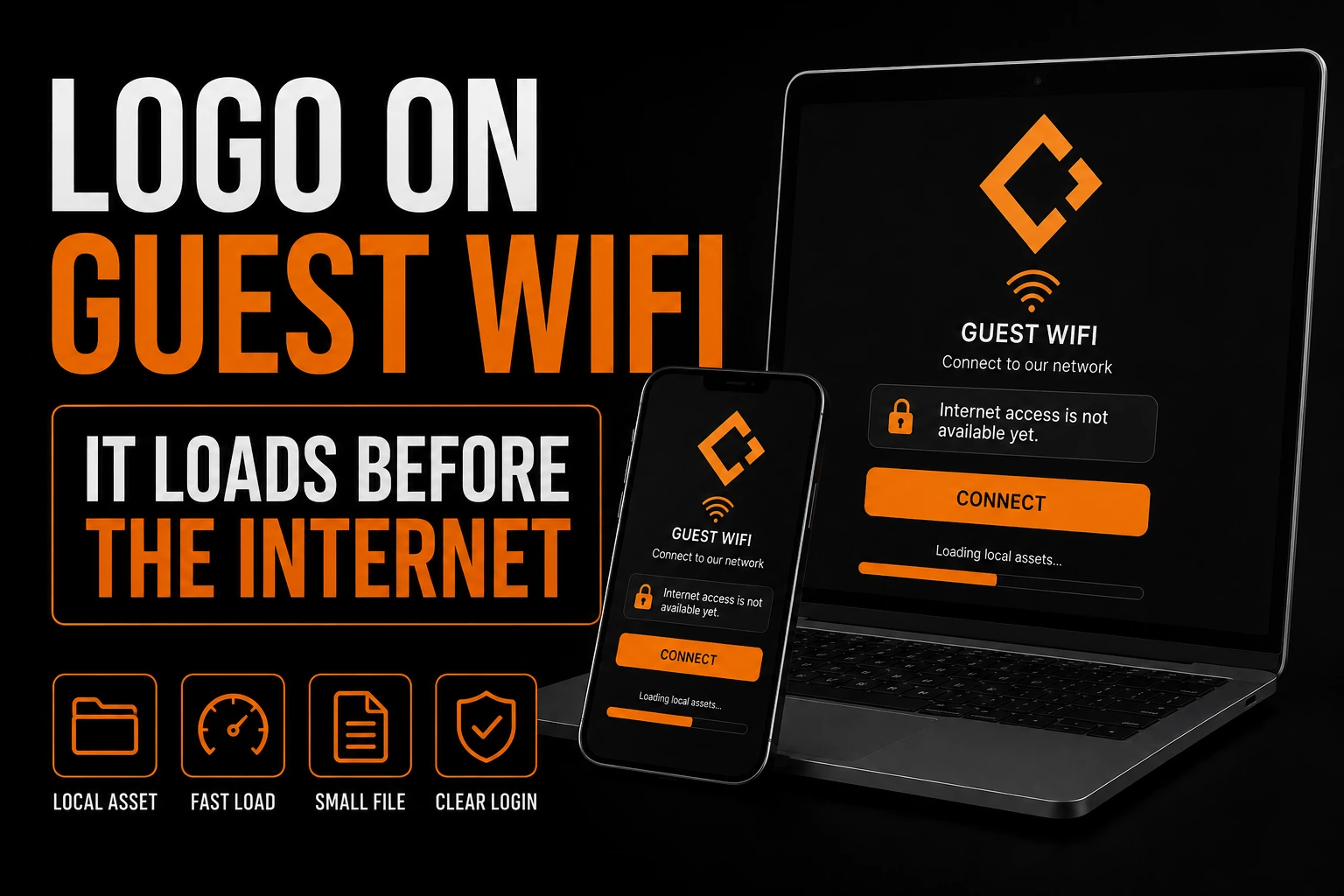
A guest Wi-Fi login screen renders before the device has any internet access, so a logo that lives on your website or on a content delivery network will not appear on it. The image has to sit on the network gateway itself, fit a pixel box the equipment manufacturer chose, and stay under a weight limit measured in kilobytes. That is the entire reason so many login pages in cafes, clinics and repair shops show a grey placeholder square where a business name should be.
Key takeaways
- Upload your logo straight into the network gateway, since an image hosted on your website is blocked before guests log in.
- Export the logo at the exact pixel box and file weight your equipment manufacturer publishes to avoid automatic resizing.
- Put any brand lettering inside the image as outlines, since web fonts are blocked and live text falls back to device fonts.
It is one of the few screens where a customer will stare at your brand for several seconds with nothing else to do, and it is almost always the worst looking thing the business owns.
This article covers only the image file on that login page: not how the network itself is configured, not the small logo beside your name in an inbox (a different file profile, covered separately), not the cropped artwork on a card payment terminal, and not vector formats in general, already covered in what an SVG file is and how to place one on a website.
Why does your logo fail to load on a Wi-Fi login page?
Because the device has not been authorized onto the internet yet. Until a guest logs in, the gateway blocks outbound traffic except for a short list of addresses called the walled garden. Anything the page requests outside that list fails silently.
The IETF describes this restriction in RFC 8952, Captive Portal Architecture: a captive network only allows traffic to enrolled addresses until authentication succeeds. Everything else, external stylesheets, web fonts, JavaScript served from a content delivery network, and images hosted outside that list, fails to load, leaving a broken layout on screen.
So the picture of your logo cannot be a link to the copy already sitting on your website. It has to be uploaded into the gateway itself, or embedded inside the page as encoded text, a technique built specifically for logos and icons so the page makes no outside request at all.
This inverts the habit of the last decade. Everywhere else the correct answer is to host one master file and point every surface at it. Here, pointing at it is the failure.
What is actually drawing that page?
Not the browser your visitor normally uses. When a phone or a laptop detects that it is sitting behind a login page, the operating system opens a small dedicated window for it instead.
On a Mac, that window is a fixed size, close to 900 pixels wide by 572 pixels tall, and it cannot be resized. It does not keep cookies, will not open a second tab, and runs only a narrow subset of JavaScript. On Android the equivalent is closer to an ordinary browser tab and is less restricted. On an iPhone the window follows the screen, but the blocked fonts still apply.
So your logo may be seen inside a window roughly the proportions of a small laptop screen, or in a narrow strip on a phone, and you have no way of knowing which. Nothing on that page behaves the way your website behaves, which leaves the image as the one element you genuinely control.
How large can the logo file actually be?
It depends on the equipment, and the manufacturer publishes the number. Cisco Meraki caps its splash page logo at 190 by 244 pixels and 1 MB, or 200 KB on billing-enabled networks, and resizes oversized uploads automatically.
Those are one manufacturer’s numbers and deserve to be treated as such rather than as an industry rule. What generalizes is the shape of the constraint: a small pixel box, a hard weight ceiling, a short list of raster formats, and software that will resize your artwork on your behalf if you ignore the box.
Why is the box taller than it is wide?
Because it was drawn for a stacked mark, not for a company name written across a line.
190 by 244 is a portrait rectangle, the opposite proportion of the logo most businesses actually own. A horizontal lockup, meaning a symbol with the name beside it, has to fit inside 190 pixels of width. Once it does, the letters land at a size where they start to close up, and better than a third of the available height goes unused.
A stacked version, symbol above name, fills the same rectangle with the letters two or three times larger. This is the practical case for holding a horizontal version, a vertical version and an icon rather than one file for everything. It is also the moment clear space and minimum size rules stop being theory, because a box you did not choose is exactly where an unwritten rule gets broken by whoever is doing the upload that afternoon.
What happens to your brand typeface on that page?
It does not arrive. Web fonts are blocked before authorization, so live text on the page falls back to whatever font the device already has installed, not your brand typeface.
The only place your typeface survives is inside the image itself. The wordmark has to be converted to outlines, drawn shapes rather than a font request, that stay legible after the gateway shrinks the picture. The page will never look like your website; design for the one element that is genuinely yours.
What does the automatic resize do to your artwork?
It scales the whole picture down without asking, deciding on its own which pixels survive.
That hits the small details hardest: a hairline rule under the name, a thin outline around a symbol, a registration mark, a tagline set below everything else. Those break up first when software reduces an image, and nobody reviews the result before it goes live in front of every guest.
The reliable fix is to supply artwork already drawn at the target size, rather than letting the import stage decide. That is a small job when the logo exists as genuine vector paths: exporting a clean 190 pixel image is quick and repeatable. It is close to impossible when the only file on hand is a photograph of a sign or a screenshot from a supplier catalogue, which describes more small businesses than will admit it. If that is yours, the honest first step is a rebuild, and the gap between a proper rebuild and an automatic trace is worth understanding before you pay for either one.
A logo you can export at any size, including the tiny ones
We rebuild your mark as real vector paths, so a 190 pixel image for a Wi-Fi gateway takes two minutes instead of a rescue operation. You keep a master file that fits whatever box the next piece of equipment asks for.
What should you hand the person setting up the network?
Four things, and the whole exchange takes one email.
The vendor’s actual numbers. Ask which gateway runs the guest network, then ask for the logo dimensions and the maximum file size it accepts. Whoever installed it can read both off the dashboard in a minute, and everything else follows from those two figures.
A file exported to that box, not near it. Supply the image at the dimensions given, in one of the formats the equipment accepts. Do not upload a large file and hope the resize is kind.
A version with the tagline removed, drawn for the page background. Anything set smaller than the company name will not survive at this scale, and the login page usually has a fixed background colour you cannot change. A mark drawn for a white page can vanish on a dark one.
A master file that can produce the next size. This screen is not the last small box your brand will be asked to fit. Keeping a scalable source is the difference between a two minute export and a fresh crisis every time, which is the argument behind holding logo quality at every size.
What is the short version, before you talk to your installer?
Guest Wi-Fi login pages block outside images, so your logo has to be uploaded straight into the gateway at its exact pixel size, usually under 200 KB, as outline art with no live web font.
- Assets outside the gateway’s walled garden are blocked: external stylesheets, web fonts, and content delivery network scripts.
- Upload the logo into the gateway or embed it as encoded text; never link to your website’s copy.
- The page renders in a stripped-down system window, about 900 by 572 pixels on a Mac, with no cookies and limited JavaScript.
- Cisco Meraki, for example, caps splash page logos at 190 by 244 pixels and 200 KB on billing-enabled networks, resizing larger files automatically.
- That box is portrait, so a stacked logo uses the space better than a horizontal one.
- Brand fonts don’t load; the wordmark needs outlined letter shapes exported from a vector source at the exact size.
What else do people ask about a Wi-Fi login screen logo?
Why does the Wi-Fi login page show a broken image instead of my logo?
Because the image is stored somewhere the device cannot reach yet. Before a guest is authorized, the gateway only allows traffic to a short approved list, so a website-hosted image is refused along with everything else. Upload the file into the gateway itself, or embed it in the page, instead of linking to it.
What size should a guest Wi-Fi logo be?
It depends on the equipment, and the manufacturer publishes the number. Cisco Meraki caps its splash page logo at 190 by 244 pixels and 1 MB, or 200 KB on billing-enabled networks, and resizes anything larger after import. Ask whoever installed your network for the figures that apply to your gateway before exporting anything.
Can I use an SVG for a captive portal logo?
Sometimes, but it is not the safe default. Some gateways accept only .jpeg, .gif and .png uploads, while some portal builders let you embed vector code directly in the page. Keep a vector master and export whatever raster format the specific equipment accepts.
Will my brand font show up on the login screen?
No. Web fonts are blocked before authorization, so live text on the page falls back to a font the device already has. If your typeface matters, the only way it reaches that screen is baked into the logo image as outlined letter shapes.
My only logo file is a JPEG from an old business card. Is that a problem here?
Yes, and it will keep being one. A small raster file cannot be exported cleanly to a fixed pixel box, and enlarging it before shrinking it leaves soft edges that show on a bright screen at reading distance. Rebuilding the mark as genuine vector paths solves this screen and every small format after it.